They’re usually small, though. Clearing them rarely frees more than a gigabyte, unless one app has been writing far too much.
Where they are
- Your apps’ logs:
~/Library/Logs - Crash and hang reports:
~/Library/Logs/DiagnosticReports - Logs for all users:
/Library/Logs(needs your password to change)
To open one, choose Go → Go to Folder in Finder and paste the path. To see how big your own logs are:
du -sh ~/Library/LogsWhat’s safe to delete
- Everything in
~/Library/Logs, including DiagnosticReports. Quit the apps first, so none of them is writing a log at that moment. - Old files in
/Library/Logs, if you’re comfortable using your password.
Move them to the Trash rather than deleting them straight away, in case an app’s support team asks for one.
When to keep them
- You’re troubleshooting. If an app keeps crashing, its crash report helps the developer find the cause. Send it before you clear it.
- A support request is open. Support teams often ask for logs.
- You’re a developer debugging your own app.
What not to touch
macOS’s main system log is kept in a special database, not as files you can delete, and it trims itself. Don’t try to erase it, and leave /private/var/log alone: it’s managed by macOS.
When logs get huge
Sometimes one app writes the same error thousands of times a second and its log grows to many gigabytes. If ~/Library/Logs is much bigger than a few hundred megabytes, sort it by size in Finder to find the app. Delete the log, then update or reinstall that app so it stops.
Viewing logs
The Console app (in Applications → Utilities) shows live system logs and lets you browse crash reports under Crash Reports. It’s useful when something keeps going wrong.
For caches, which are usually much bigger, see is it safe to delete ~/Library/Caches?.
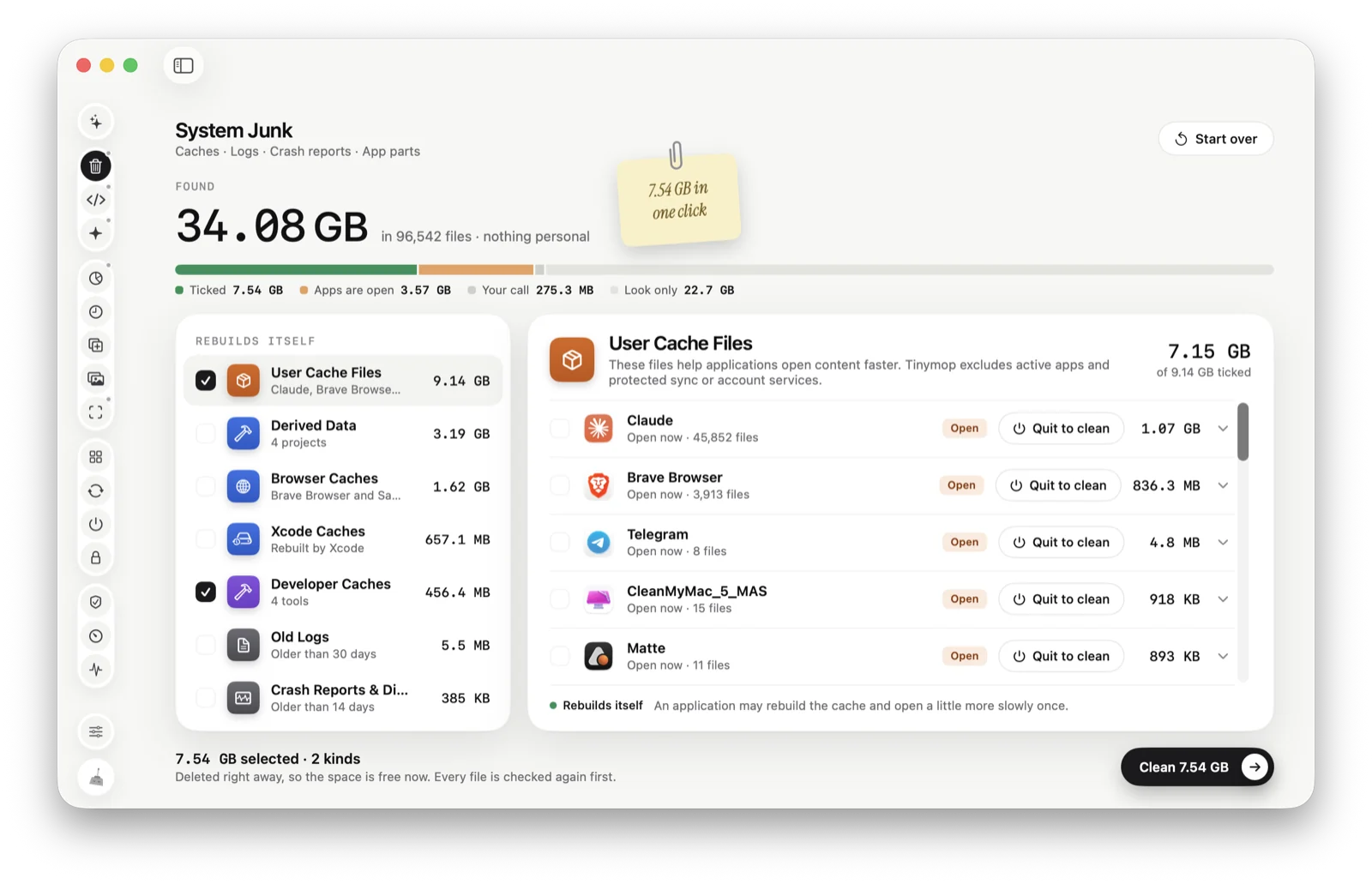
Or let Tinymop check
System Junk lists logs and crash reports alongside caches, with the reason each was found and its size. Only things that are safe to remove are ticked, apps that are open are skipped, and everything is checked again just before it goes.
Download for Macfreed