What a cache is
A cache is data an app can get again: thumbnails, downloaded files, compiled code, web pages. Apps keep their caches in ~/Library/Caches, one folder each.
How to clear it
- Quit the apps whose caches you want to clear. An open app may be writing to its cache, or recreate it straight away.
- Open Finder, press Shift-Command-G and go to
~/Library/Caches. - Move the contents of the folders you want to clear to the Trash. Leave the
Cachesfolder itself. - Restart your Mac, then empty the Trash once everything works.
When not to
- Right before you need speed. Apps are slower the first time after their cache is cleared.
- When you’re offline. Some apps keep downloads in their cache and fetch them again.
- System caches in
/Library/Cachesand/System: leave those to macOS.
Clearing caches frees space for a while; most of it comes back as you use your apps. It’s worth doing when a cache has grown far beyond normal, not every week.
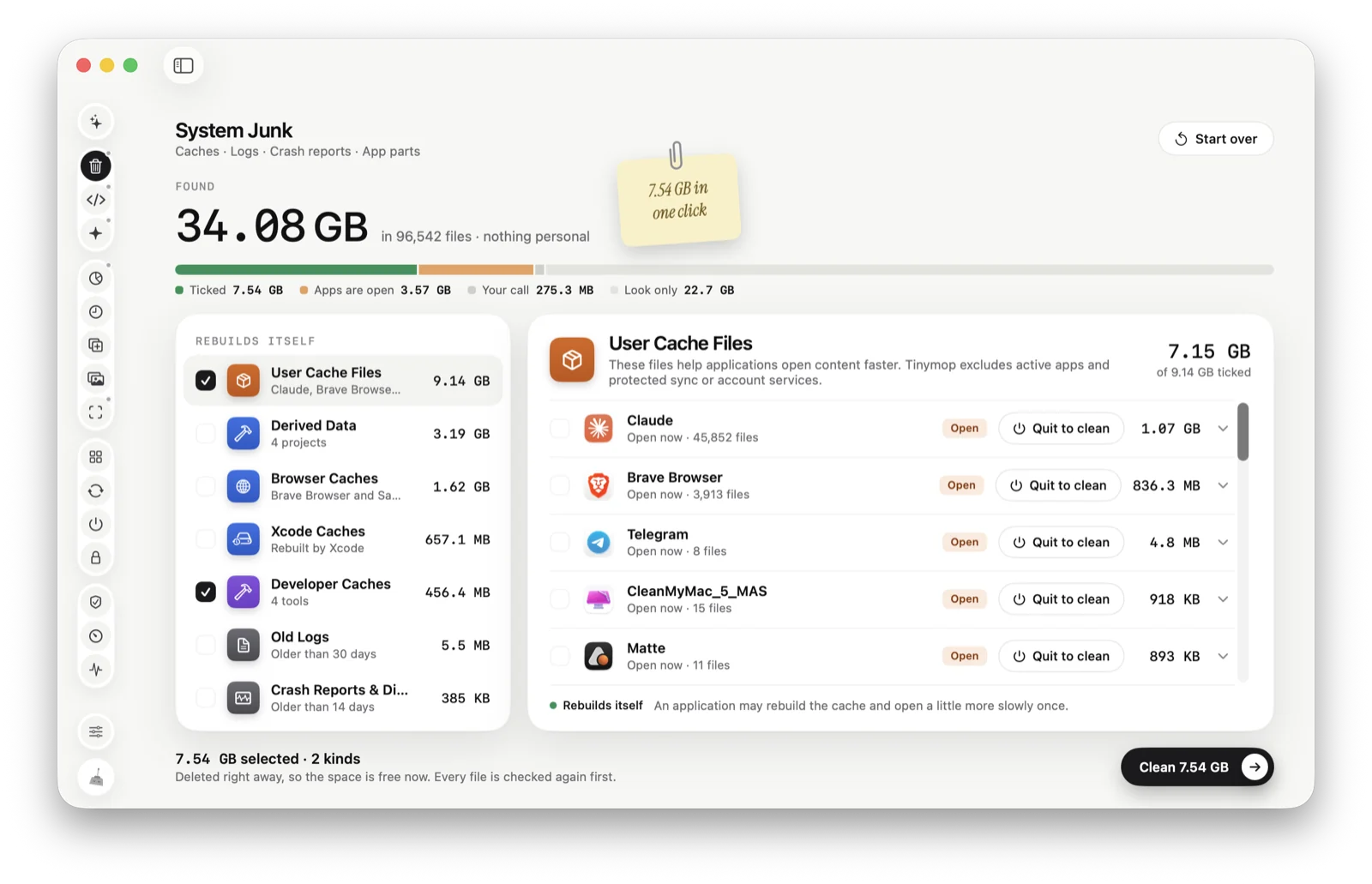
System Junk
Or let Tinymop check
System Junk lists caches, logs and crash reports with the reason each was found. Only things that rebuild themselves are ticked, apps that are open are skipped (or you can quit them to clean), and everything is checked again just before it goes.
Download for MaczCACHETMPCRASH7.54 GB
freed
freed