Quit Xcode
So nothing is writing to these folders while you clear them.
Delete DerivedData
DerivedData is where Xcode keeps build results and indexes for every project you’ve opened. In Xcode, open Settings → Locations and click the arrow next to the Derived Data path, or open it in Finder:
~/Library/Developer/Xcode/DerivedData
Everything inside rebuilds the next time you build, so it’s safe to delete. Your first build afterwards will take longer.
rm -rf ~/Library/Developer/Xcode/DerivedData/*Remove simulators you can’t use any more
Simulators live in ~/Library/Developer/CoreSimulator. This removes the ones whose iOS runtime is no longer installed:
xcrun simctl delete unavailableClear old device support
Each iOS version you’ve connected a device with leaves a folder in ~/Library/Developer/Xcode/iOS DeviceSupport. Keep the one for the iPhone you use now; the rest are recreated if you plug in an older device.
What not to delete
Your projects, ~/Library/Developer/Xcode/Archives if you still need them for crash reports or resubmitting, and anything outside ~/Library/Developer.
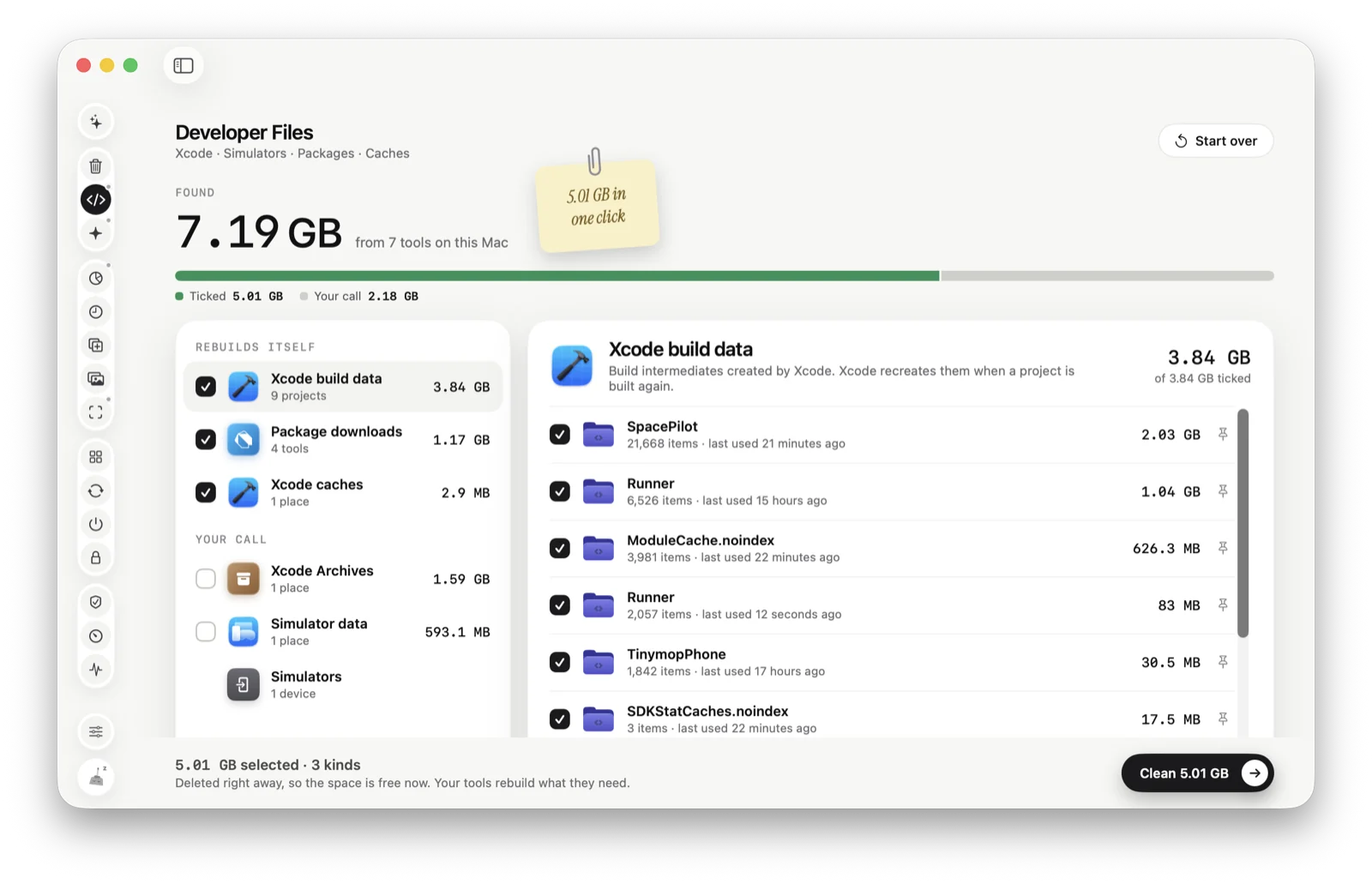
Or let Tinymop find it
Developer Files looks in Xcode, simulators and package caches, shows every folder with its size, and only ticks what rebuilds itself.
Download for Maccleared