The good news: node_modules is always rebuildable. As long as the project still has its package.json and lock file, npm install brings it back.
Find them all and see how big they are
This finds every node_modules folder inside a folder you choose (here ~/Code; use wherever you keep projects), without looking inside them, and lists them by size:
find ~/Code -name node_modules -type d -prune -exec du -sh {} + | sort -hThe biggest ones are at the bottom. Searching your whole home folder works too, but it’s slow.
Delete the ones you don’t need
For a single project:
rm -rf ~/Code/old-project/node_modulesOr use npkill, a small tool that lists every node_modules with its size and lets you delete them one by one with the space bar:
npx npkillRun it from the folder that holds your projects.
Before you delete
- Check the project still has its lock file (
package-lock.json,yarn.lockorpnpm-lock.yaml). With it,npm installrestores exactly the same versions. - Projects you might never run again are the easy wins: tutorials, old experiments, cloned repos.
- Don’t delete node_modules in a project you’re working on right now unless you’re ready to reinstall.
- Global packages live elsewhere (
npm root -gshows where) and aren’t affected.
Stop them taking so much space
- pnpm keeps one shared copy of each package version and links it into projects, so ten projects don’t mean ten copies.
- Exclude them from Time Machine, so backups don’t fill up with files you can rebuild. Time Machine skips some build folders on its own, but you can add a folder yourself in System Settings → General → Time Machine → Options.
- Exclude your projects folder from Spotlight in System Settings → Spotlight → Search Privacy if indexing slows you down.
The package manager’s own cache is separate from node_modules. See how to clear npm, Homebrew, pip and other package caches.
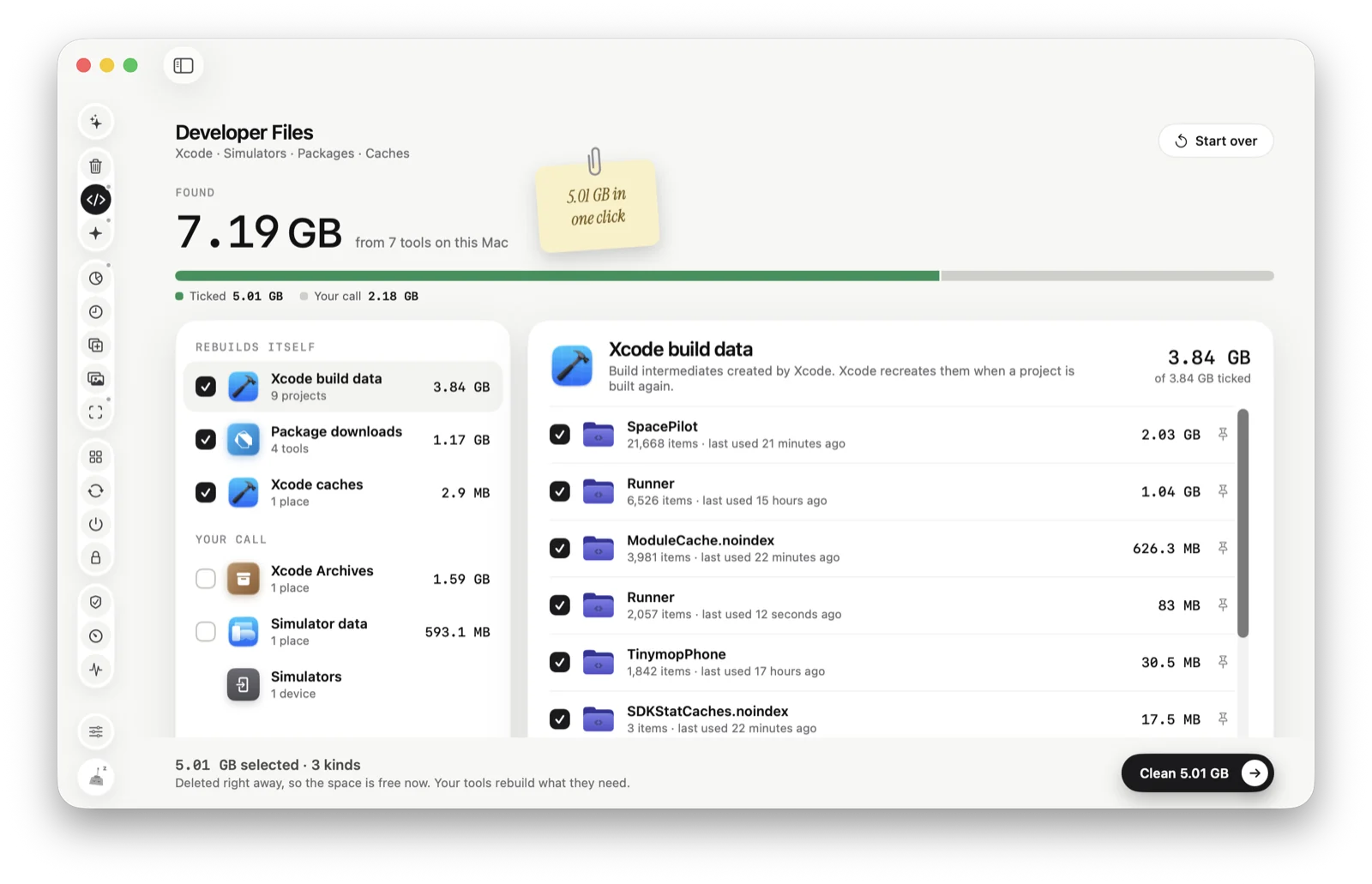
Or let Tinymop map it
Space Map measures every folder and draws it to size, so the projects with the heaviest node_modules stand out straight away. Developer Files handles the package caches around them, like npm, Yarn, pnpm and Bun, and leaves node_modules inside your projects for you to decide.
cleared