Exact duplicates in Photos
If your pictures are in the Photos app, open the sidebar and look for Duplicates under Utilities. Photos shows matching pictures side by side and lets you Merge them, keeping the best quality copy and its details.
Similar photos and bursts
Bursts and near-identical shots aren’t duplicates to the Photos app, so you have to pick by eye:
- Open the set and look at them full size, not as thumbnails.
- Keep the sharpest one: zoom in on faces or text.
- Delete the rest. In Photos they go to Recently Deleted, and stay for 30 days.
Photos in folders
For photos stored in folders rather than the Photos library, sort a folder by Date Created in list view; bursts land next to each other.
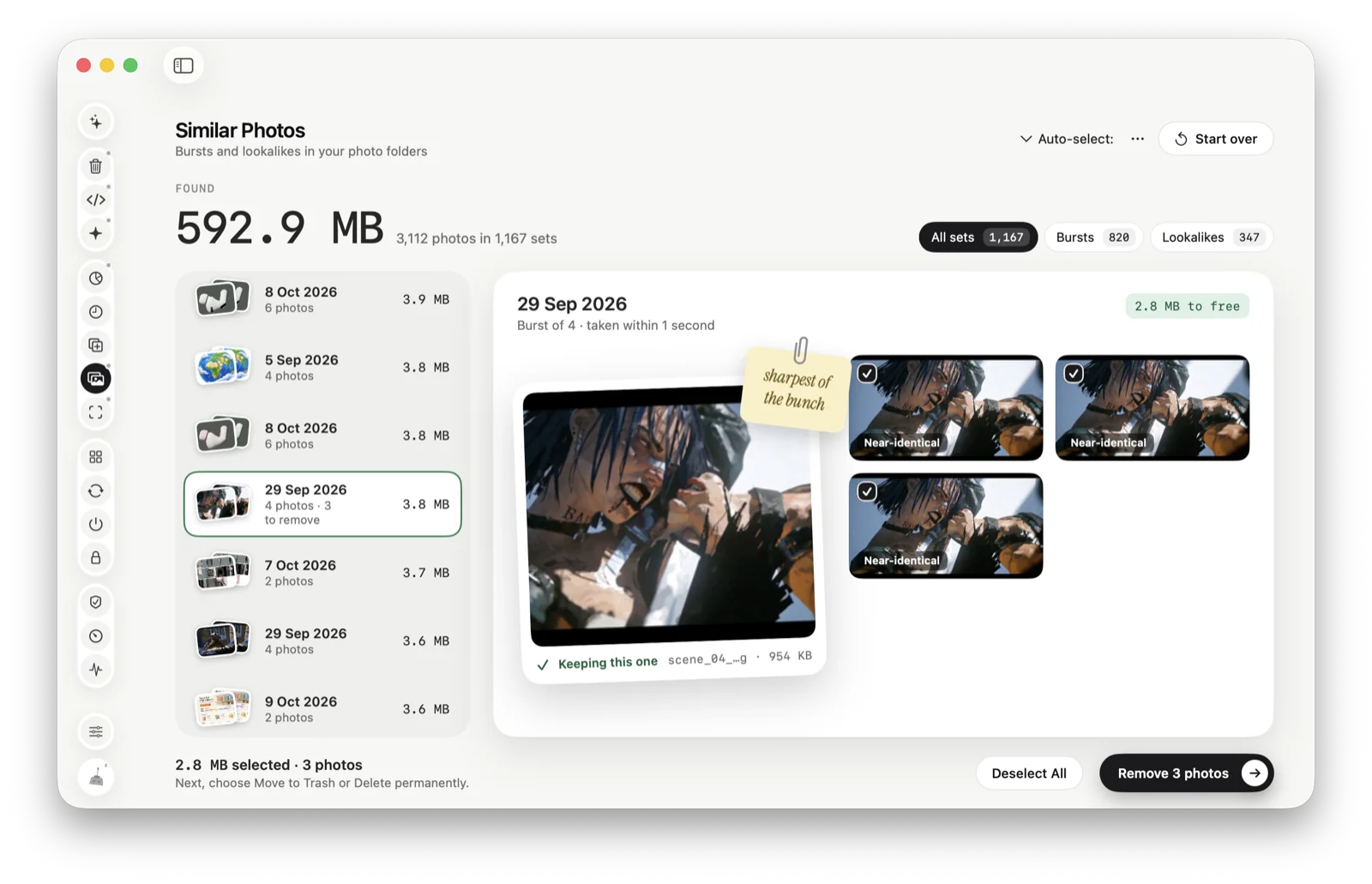
Similar Photos
Or let Tinymop group them
Similar Photos groups bursts and lookalikes in your photo folders and marks the sharpest one in each set. Nothing goes until you tick it, and the others go to the Trash.
Download for Mac★kept the
best ones
best ones