We make Tinymop, a competing cleaner, so read this with that in mind. We’ve tried to answer the question fairly, and we think CleanMyMac is a good app. Facts are from MacPaw’s website in October 2026.
Is it safe?
- It’s made by a real, established company. MacPaw has made CleanMyMac for over a decade.
- It’s notarized by Apple. Apple has checked it for known malware, and macOS will warn you if the copy you have has been changed.
- It shows you what it will clean. You can review results before anything is removed.
- Its default selections are cautious. It’s designed not to tick things like your documents or photos.
The real risk isn’t CleanMyMac itself but fake copies. Download it only from macpaw.com, the Mac App Store or Setapp, never from a “free full version” site, and don’t confuse it with other cleaner apps that use scary pop-up warnings.
What it does to your Mac
CleanMyMac clears caches, logs and other junk, removes apps with their leftover files, finds duplicates, similar photos and large files, scans for malware, manages memory and CPU load, updates apps and looks at cloud storage. Its Smart Care runs most of those at once.
Most of what a cleaner removes is caches, which apps rebuild as you use them. That’s safe, and it frees space, but the space slowly fills again. See is it safe to delete ~/Library/Caches? for what caches are and when clearing them helps.
What it costs
MacPaw sells CleanMyMac mainly as a yearly subscription, from about $39.95 a year for one Mac on its own store, with more for extra Macs. It’s also part of Setapp’s subscription and on the Mac App Store, where prices differ. MacPaw has sold one-time licences too; check its store for today’s options, since they change. It needs macOS 11 or later.
Is it worth it?
It’s worth it if:
- You want one app that does a bit of everything, including malware scanning.
- You like one-click, mostly automatic cleaning.
- You’re happy with a yearly subscription.
You may not need it if:
- You mostly want space back. macOS’s own Storage settings and a few free apps cover a lot: see free CleanMyMac alternatives.
- You don’t want a subscription.
- Your Mac is fast and has plenty of free space. A cleaner won’t make a healthy Mac noticeably faster.
What about the malware scanning?
macOS already has built-in malware protection (XProtect and Gatekeeper), which updates on its own. CleanMyMac’s scanner adds a second opinion, which some people value. If you only install apps from the App Store and known developers, the built-in protection covers most people well.
If you want an alternative
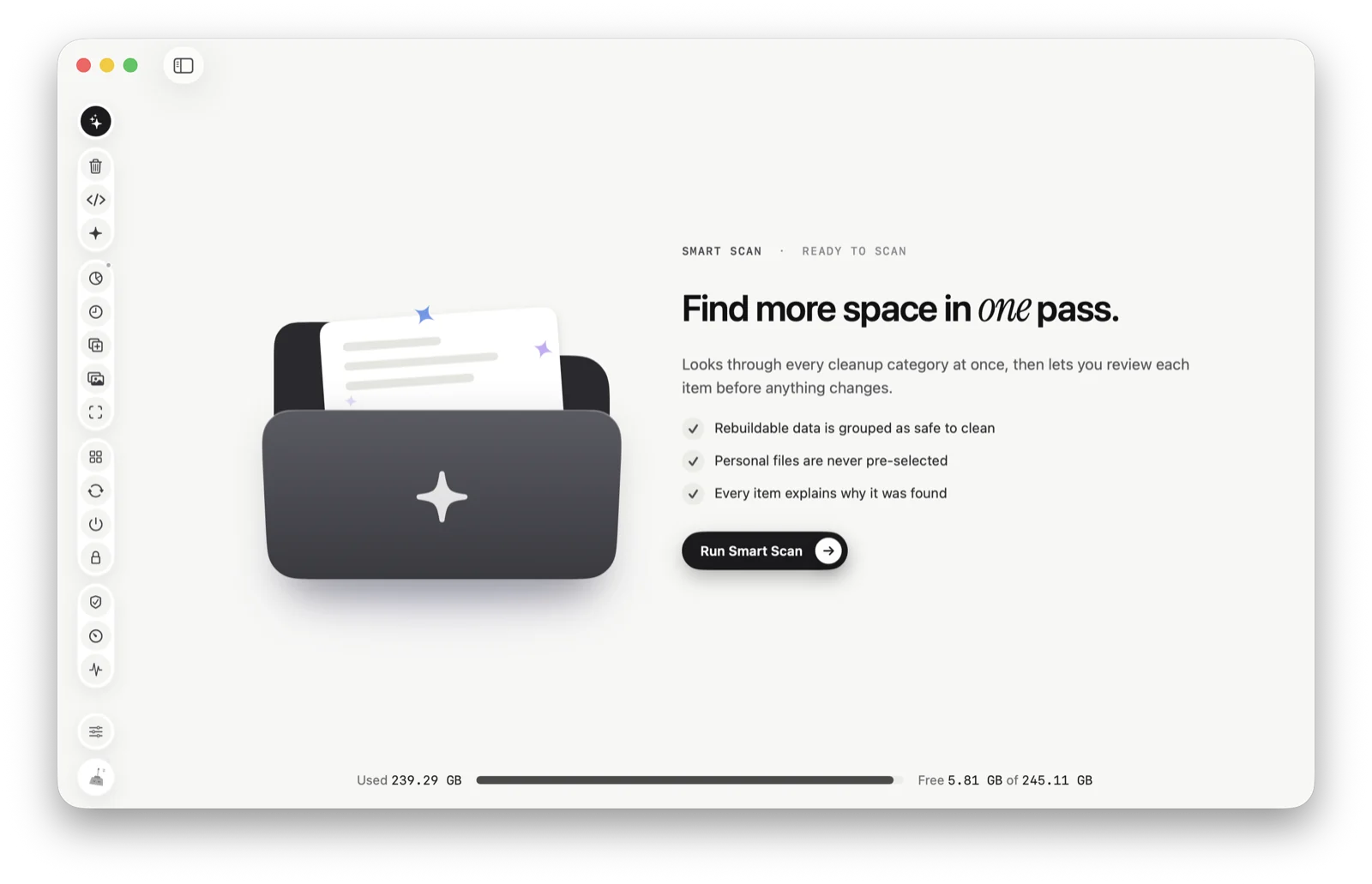
Tinymop is $14.99 once, with no subscription. It focuses on space: caches, developer files, AI tool clutter, app leftovers, duplicates and old screenshots, with the reason next to every item and only rebuildable things ticked. It isn’t an antivirus. For a side-by-side, see Tinymop vs CleanMyMac.
Download for Macfreed