The facts about OmniDiskSweeper below are from The Omni Group’s site and its Homebrew listing in October 2026, when the current version was 1.16.
The short answer
- Choose OmniDiskSweeper if you want a free, simple list of your biggest files and folders, and you know which ones are safe to delete.
- Choose Tinymop if you want to be told what’s safe to clear and why, with caches, build files, AI tool clutter and app leftovers found for you.
What each one does
OmniDiskSweeper scans a disk and lists every folder from largest to smallest, in columns like Finder. You click down into the big ones, and when you find something you don’t need, you move it to the Trash or open it. That’s the whole app, and it does it well. It doesn’t say what a folder is, whether it’s safe to remove, or whether it will come back.
Tinymop has a disk map, Space Map, that draws every folder to size, plus 13 tools that know what the files are: System Junk for caches and logs, Developer Files for Xcode, Docker and package caches, AI Clutter for AI tools, Applications for uninstalling apps with their leftovers, Screenshots, Similar Photos, Large & Old files and Tune-up. Each item says why it was found, and only things that rebuild themselves are ticked.
When free is enough
OmniDiskSweeper is all you need if:
- You’re comfortable in your Library folder and know a cache from a settings file.
- You’re looking for a few huge things, like an old video project or a forgotten disk image.
- You only clean up once in a while.
Our guide to finding large files on your Mac covers the free ways to do this, including OmniDiskSweeper-style hunting with Finder and Terminal.
When a cleaner is worth it
Big folders aren’t always safe to delete, and the risky part is knowing which are. Tinymop is worth it if:
- You see
~/Libraryis 60 GB and don’t know what in it can go. - You use Xcode, Docker, npm or AI coding tools, which leave gigabytes of rebuildable files.
- You want app leftovers, old screenshots and similar photos found for you.
- You want a record of what was removed and what was skipped.
Price and Macs
OmniDiskSweeper is free. Version 1.16 runs on Apple silicon and Intel Macs on recent macOS; Omni keeps older versions available for older systems.
Tinymop is $14.99 once, for 2 of your Macs, with a 7-day free trial of every tool and a 14-day money-back guarantee. It needs a Mac with Apple silicon and macOS 15 or later.
Which one should you pick?
- You want free, and you know your way around your Mac: OmniDiskSweeper.
- You have an Intel Mac or an older macOS: OmniDiskSweeper.
- You want to know what’s safe to delete, not just what’s big: Tinymop.
- You’re a developer or use AI tools: Tinymop.
Try OmniDiskSweeper first if you’re not sure. If you find yourself staring at big folders and wondering what they are, that’s what Tinymop is for.
Try Tinymop free
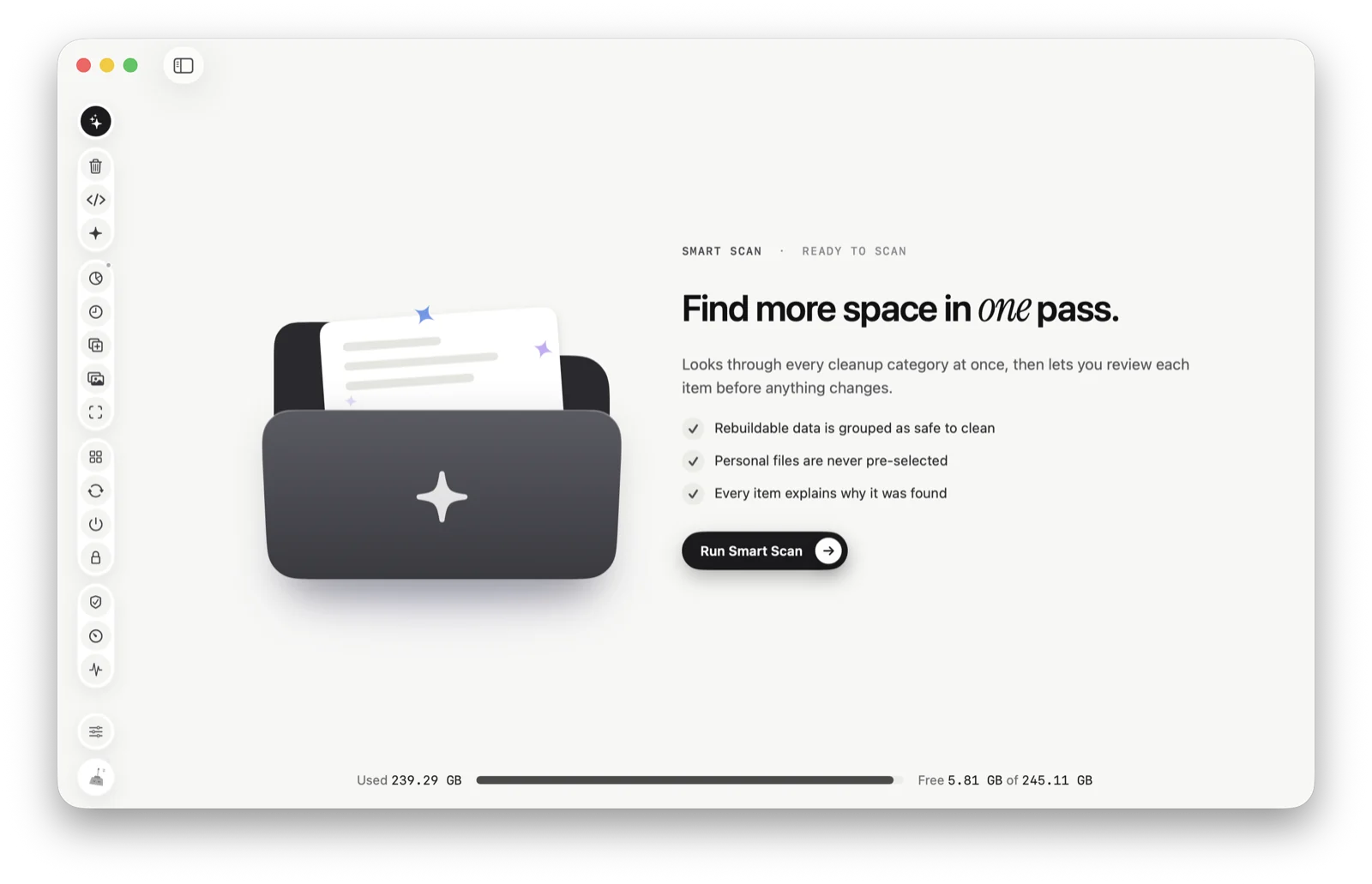
Smart Scan checks your whole Mac in one go and shows the reason next to every item. Every tool is free for 7 days, then $14.99 once.
Download for Macfreed